Buy super high-res
seabed from BathyMart.
BathyMart is a first-of-its-kind marketplace where ultra high-resolution bathymetry is traded between the fishos who collect it and the fishos who want to fish it. Here's how to find, buy and actually use a product.
🛒 First up — what is BathyMart?
A bathymetry marketplace: super high-resolution seabed data, traded between the people who collect it and the people who fish it. There's nothing else like it in Australia — a brand-new market that Aussie fishermen can build out themselves.
Limited release, first in best dressed. To keep fishing sustainable we only release limited quantities of each survey. Once a survey hits its release threshold, it sells out — so if you see one over your patch, don't sit on it.
Find BathyMart
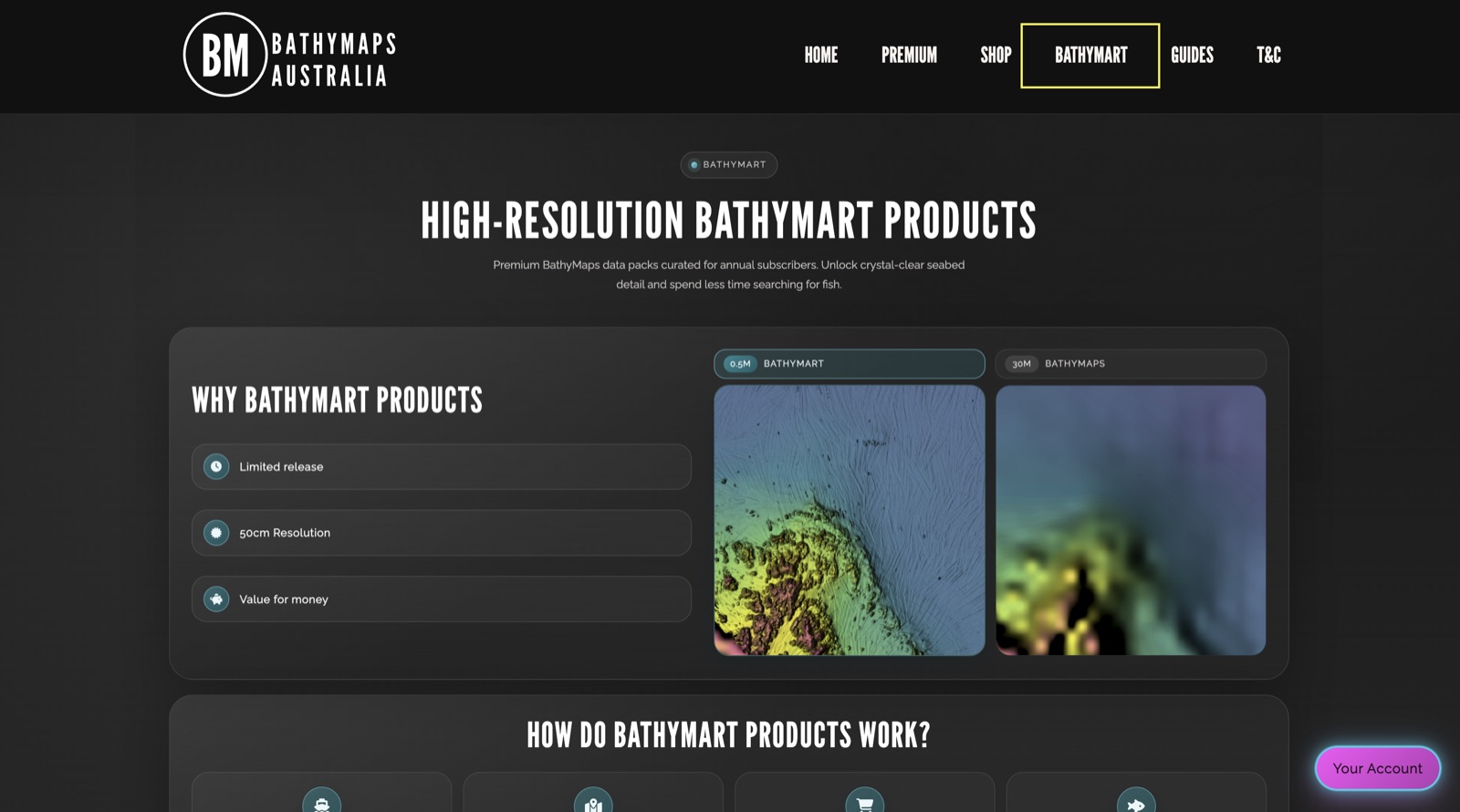
There are two doors into BathyMart. The first is straight off our website — tap BATHYMART in the top menu to see what high-res products are on offer, how they work, and why they're worth it.
The second is inside the BathyMaps Premium UI, via the BATHYMART tool — that's where you can zoom to a product, view its footprint and buy it on the spot. We'll head there next.
Browse what's available
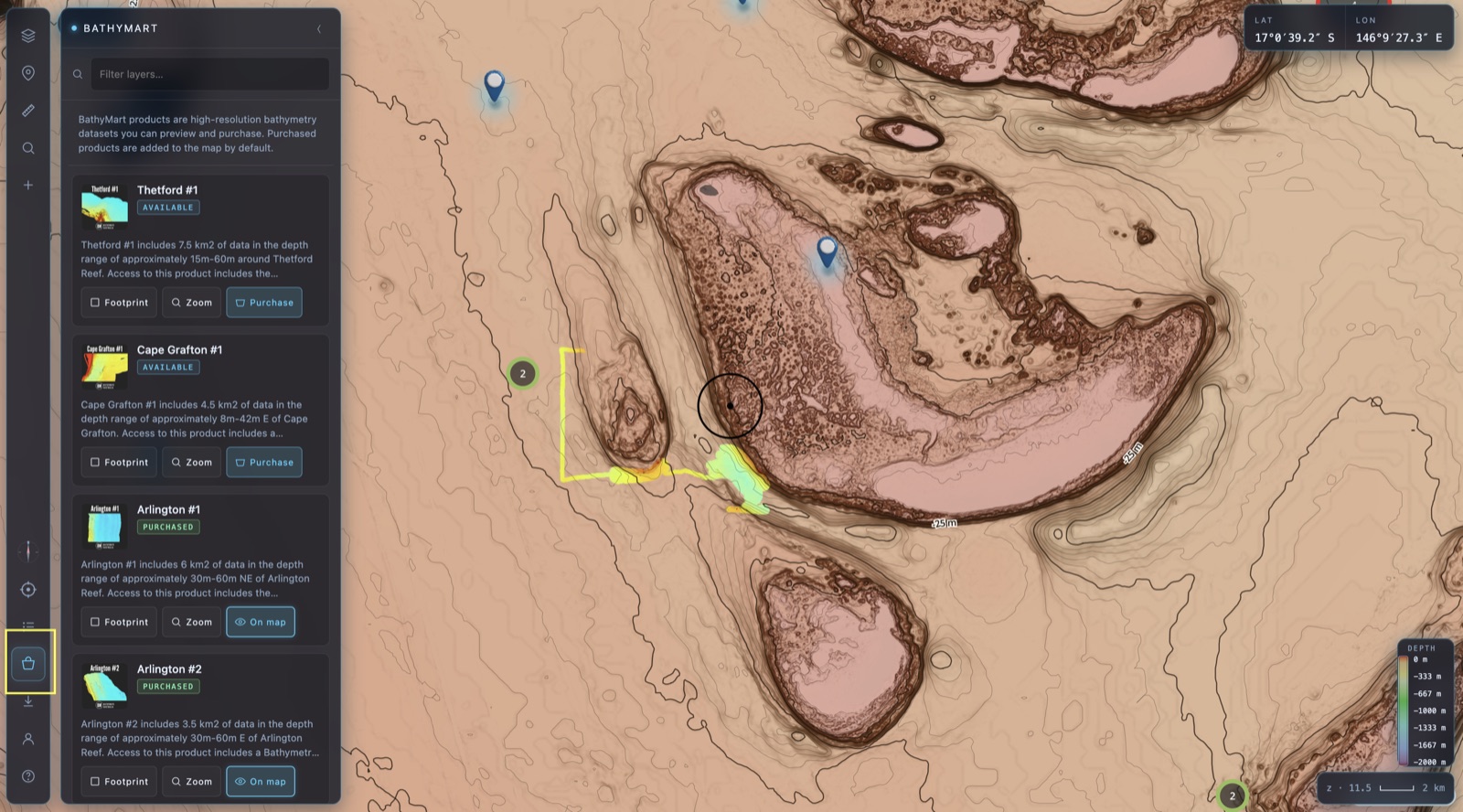
Open the BATHYMART tool in the Premium UI and you'll get a scrollable list of every product currently for sale. Right now BathyMart is limited to areas offshore Cairns — expect names like Cape Grafton #1, Arlington #1 and Thetford #1.
Each card tells you the survey's depth range and roughly how much data it packs in. As we collect more surveys and bring on more data-collecting partners around Australia, more products will land here.
Check the footprint & zoom to it
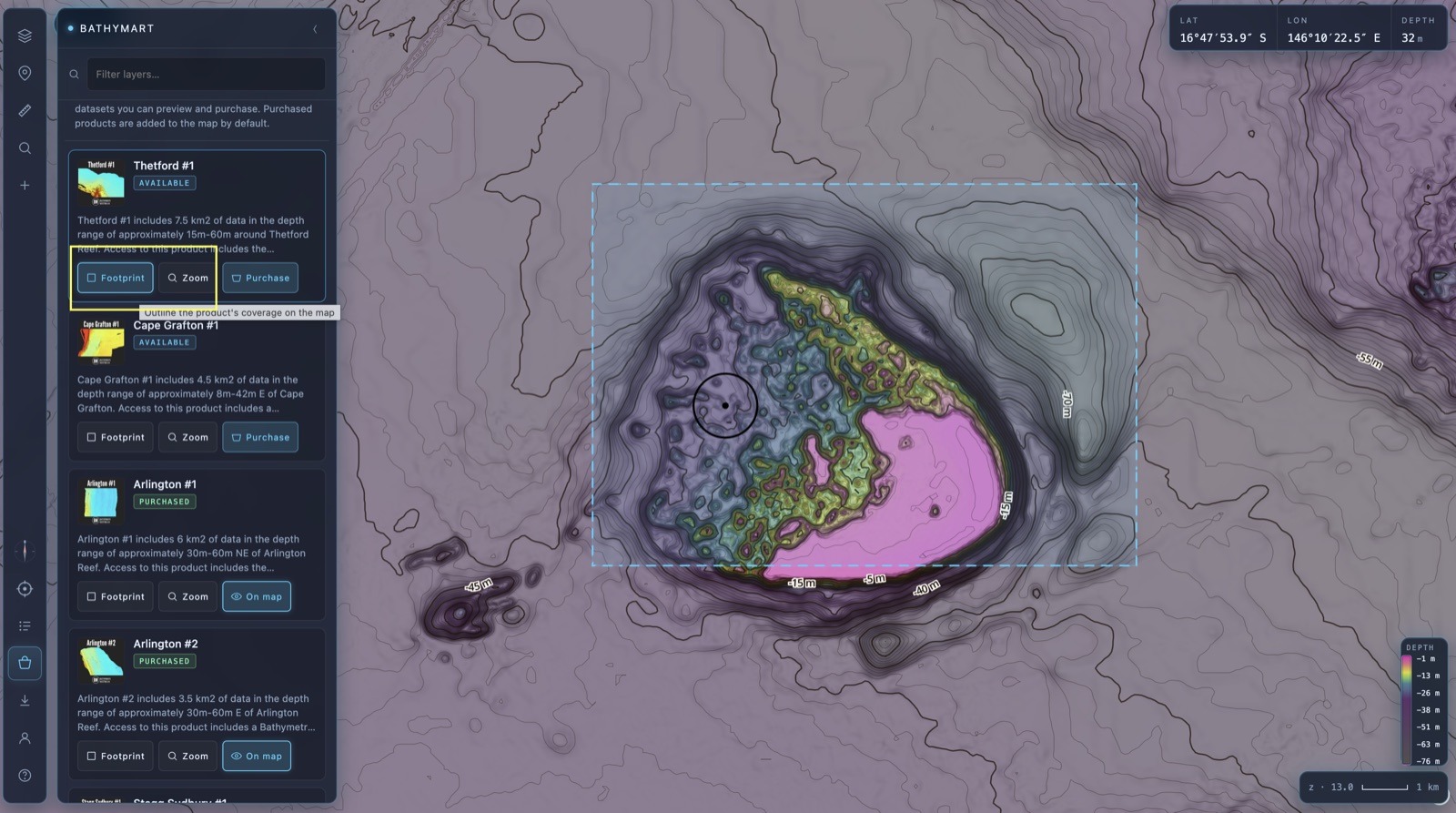
Before you buy, see exactly what you're getting. Hit Footprint on a product card to draw its survey coverage straight onto the map, and Zoom to fly the map right to its extent.
That way you know precisely where the data sits and how big the coverage is relative to your own marks — no guesswork.
Purchase — and it just syncs
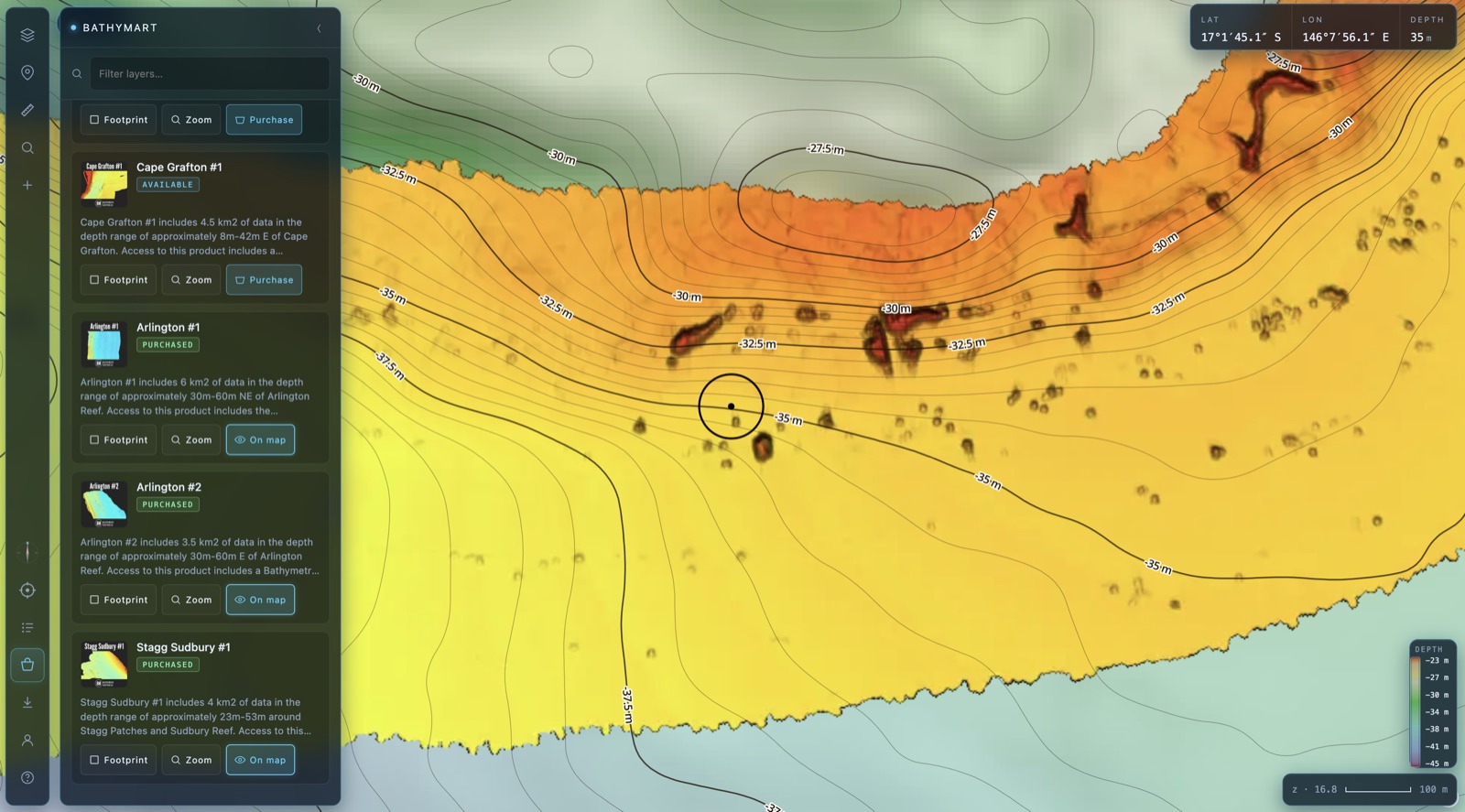
Happy with what you see? Tap Purchase on the card. Once it's yours, the product appears in the online maps straight away, and automatically syncs across to your BathyMaps Companion offline app — so it's on the boat, in your pocket, ready for the next trip.
This is where the magic shows up: 50 cm-resolution seabed, every ledge, lump, drop-off and bommie rendered in detail you simply can't get anywhere else.
Read the data like a fisho
BathyMart products show both seabed structure and, often, where bait and fish were congregating at the time of survey. That second part is the bit most people miss.
🐟 Structure on screen, nothing on the sounder?
If you motor over something that looked like structure in the data but the sounder shows bare ground, it was most likely bait and fish stacked up there when the survey was flown — not permanent bottom.
Don't write the spot off. Bait and predators move with the conditions, and that area may still hold subtle sediment, seagrass or soft-coral structure that doesn't read as hard bottom. Come back at a different time, under different conditions, and have a proper look.
💸 A straight word on refunds
Refunds on BathyMart products are very limited. If you'd buy a survey and then expect your money back because it didn't reveal as much structure as you hoped — please don't buy it.
These are exploratory datasets. They don't guarantee fish. The results come from your ability to read the data and pair it with your own fishing knowledge, a trial-and-error mindset, and time on the water. Buy it in that spirit and it'll pay you back for years.
Go grab some seabed. 🎣
Limited release, first in best dressed — jump in and see what's available over your patch.
Open BathyMart →